Your phone keeps ringing. A tech is waiting for the next address. Someone in the office is asking whether an estimate got approved. Meanwhile, invoices are sitting unfinished because the job notes are buried in texts, photos, and scribbles on paper. That's the point where most plumbing businesses start looking for apps.
The problem isn't finding options. The problem is finding the right stack. Plumbing work is operationally messy by nature, and modern software now bundles scheduling, dispatch, estimates, invoicing, customer history, inventory, GPS tracking, and automated customer communication into one system instead of forcing you to jump between separate tools, as noted in this plumbing software guide. That shift matters whether you run a two-person outfit or a larger truck fleet.
The market has also matured beyond one-off utilities. Industry roundups now treat plumbing software as a mix of core operations, quoting, accounting, fleet management, automation, and reputation tools. One guide even listed 15 mobile apps for plumbing contractors, which tells you something important. You don't need more apps. You need fewer, better ones that work together.
That's how I'd approach apps for plumbing business in 2026. Pick one core operations app first. Then add one focused visibility tool if your lead flow needs help. Don't build a pile of overlapping subscriptions.
Table of Contents
- 1. Jobber
- 2. Housecall Pro
- 3. ServiceTitan
- 4. Workiz
- 5. Simpro
- 6. FieldEdge
- 7. Service Fusion
- 8. ServiceM8
- 9. RazorSync
- 10. GrowTradie
- Top 10 Plumbing Business Apps, Feature & Pricing Snapshot
- From Chaos to Control Making Your Final Choice
1. Jobber
If you want a clean starting point, Jobber is one of the safest picks in this whole category. It handles the daily plumbing workflow most owners care about: quotes, scheduling, dispatch, job tracking, invoicing, and payments, without feeling bloated.
It's a strong fit for solo plumbers, small crews, and growing service teams that need order fast. You can run the office and field side from one system instead of stitching together calendars, notes, and accounting workarounds.
Why Jobber works
Jobber fits the way many plumbing businesses already operate. It gives you a straightforward flow from estimate to scheduled job to completed invoice, and that's where a lot of admin waste disappears.
A practical advantage is ecosystem flexibility. If you want a core system first and bolt on extra tools later, Jobber is easier to live with than software that tries to force every process into one rigid setup.
- Good core workflow: Quoting, scheduling, invoicing, and payments sit in one place.
- Useful accounting connections: It integrates with QuickBooks Online and Xero.
- Room to grow: Add-ons, marketplace tools, and API options make it easier to extend later.
Practical rule: If your team still loses time chasing paperwork after the job is done, your first software decision should fix estimate-to-invoice flow before anything else.
Jobber also pairs well with a focused lead-generation and visibility tool. If your operations are decent but the phone isn't ringing enough, combine it with a tool built around the best way to get plumbing leads.
Use Jobber if you want a dependable operations backbone without committing to an enterprise-level rollout on day one. For many plumbing businesses, that's the right call.
2. Housecall Pro
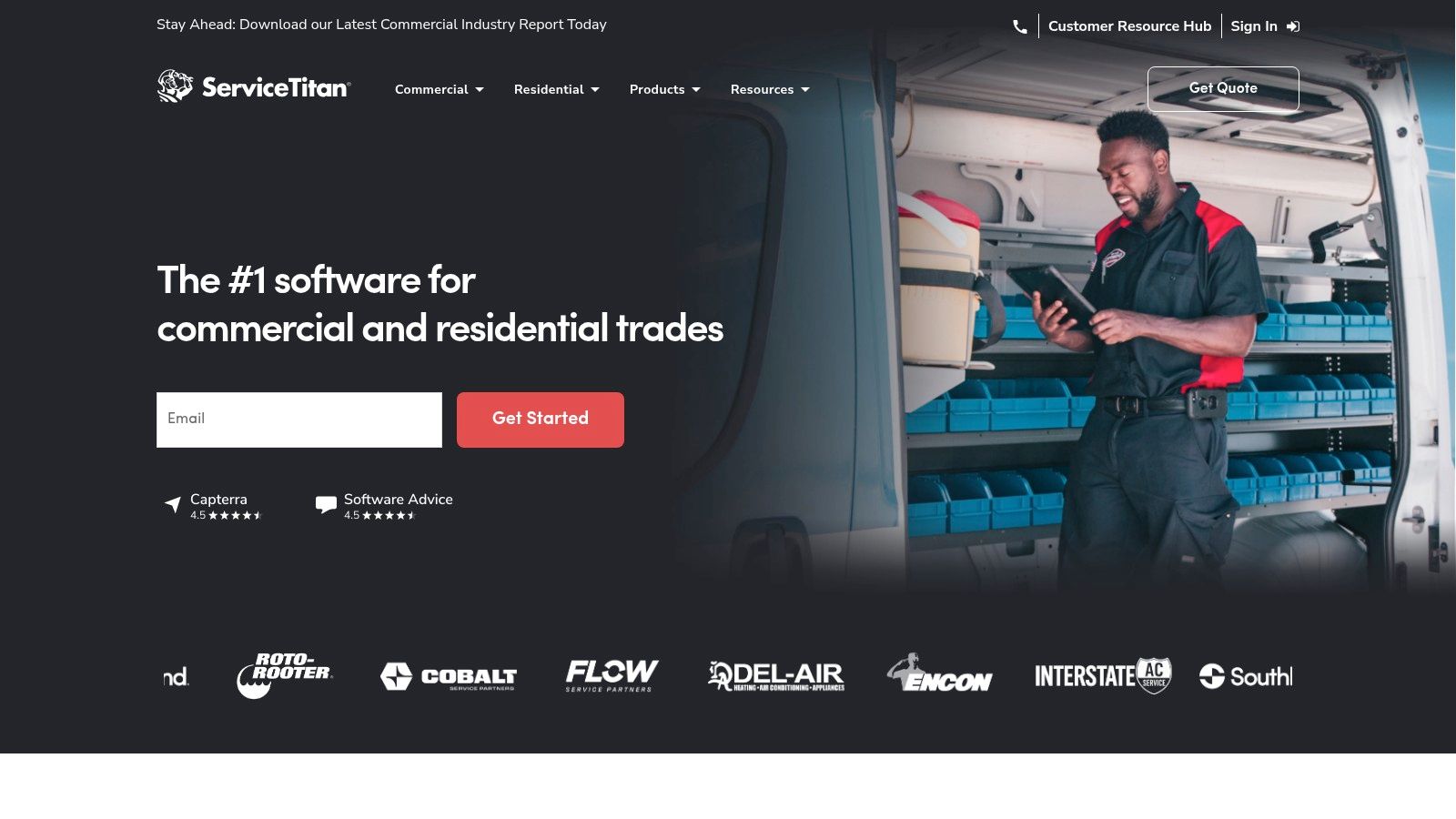
Housecall Pro is built for speed. If you want your team booking jobs, sending estimates, collecting payments, and pushing review requests without a steep setup, this is one of the strongest options for residential plumbing.
A lot of owners choose it because it feels approachable. That matters more than fancy feature lists. Software only helps if your office staff and techs use it every day.
Best fit
Housecall Pro works best for solo operators and small to mid-sized plumbing teams that need an operations hub with built-in customer-facing tools. It covers scheduling, dispatch, online booking, estimates, invoices, payments, GPS tracking, and review management in one place.
That makes it a practical all-in-one if you're trying to stop juggling separate tools. It also lines up with what current software guidance says modern plumbing platforms should handle: real-time workflows, technician management, and live control instead of waiting until the end of the day to clean up admin.
The best app is the one your dispatcher, tech, and owner can all use without a training headache.
Where Housecall Pro stands out is the combination of field operations and repeat-business support. If you want one system that helps you run jobs and stay visible to past customers, it's a smart choice.
If you're trying to tighten that visibility side further, pair it with a focused system for plumbing company marketing. That gives you operations inside Housecall Pro and a separate engine to keep your business active in front of local customers.
3. ServiceTitan
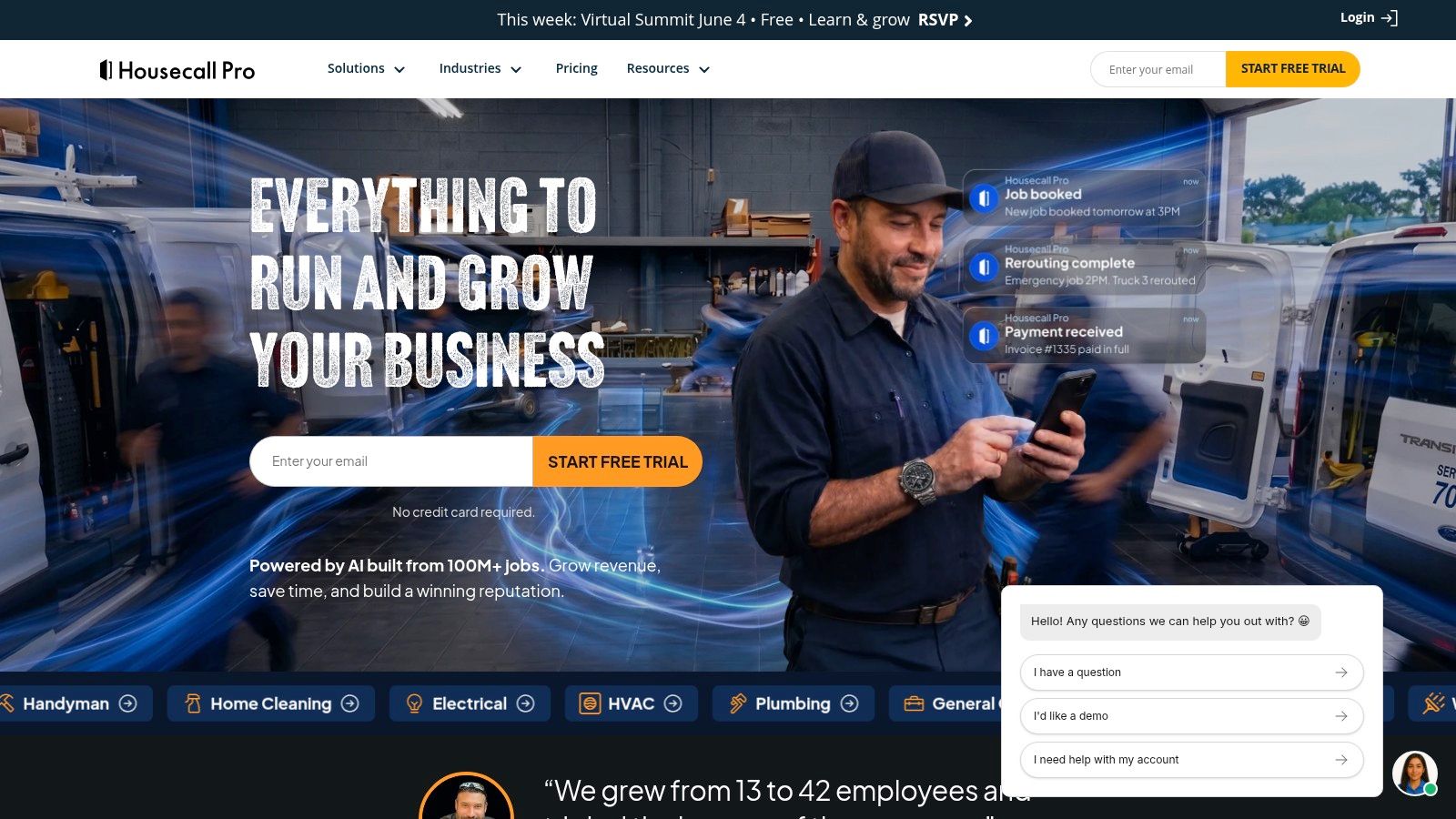
Your office has three people chasing dispatch, approvals, price changes, and callbacks. Your techs are producing work, but margins still feel fuzzy and the numbers arrive too late to fix anything. That is the kind of operation ServiceTitan is built for.
ServiceTitan fits plumbing companies that have outgrown simple scheduling software and now need tighter control over how jobs are sold, tracked, and measured. If you run multiple crews, manage memberships, need accurate job costing, or want cleaner reporting across office and field, this platform gives you that structure.
The tradeoff is straightforward. It takes setup, discipline, and buy-in from the team. Owners who want a lighter system usually do better elsewhere. Owners who want one core operating system for a scaling shop should put ServiceTitan on the shortlist.
Where it earns its keep
ServiceTitan works best as the center of a practical tech stack. Let it handle operations, dispatch, pricebooks, proposals, memberships, and reporting. Then add a specialized growth tool like GrowTradie to keep lead flow and local visibility moving instead of forcing your field service app to do every marketing job poorly.
That split matters. The global plumbing service software market was valued at USD 567.2 million in 2025 and is projected to reach USD 1,456.3 million by 2034, with an 11.2% CAGR. Contractors are putting more of their business into centralized systems because scattered tools slow down decisions and hide profit leaks.
- Best for larger plumbing businesses: A strong fit for multi-truck teams, office staff, and owners who need better visibility across the whole company.
- Strong control over operations: Reporting, job costing, financing, memberships, and commercial workflow support help you run a more disciplined shop.
- Better as a core system than an all-purpose stack: Use ServiceTitan to run the business. Add separate marketing support when you want more booked work and stronger follow-up.
ServiceTitan pays off when you use it to enforce process, not just digitize paperwork. If your next constraint is leadership and scale, get help from a plumbing business coach for growing service companies.
4. Workiz
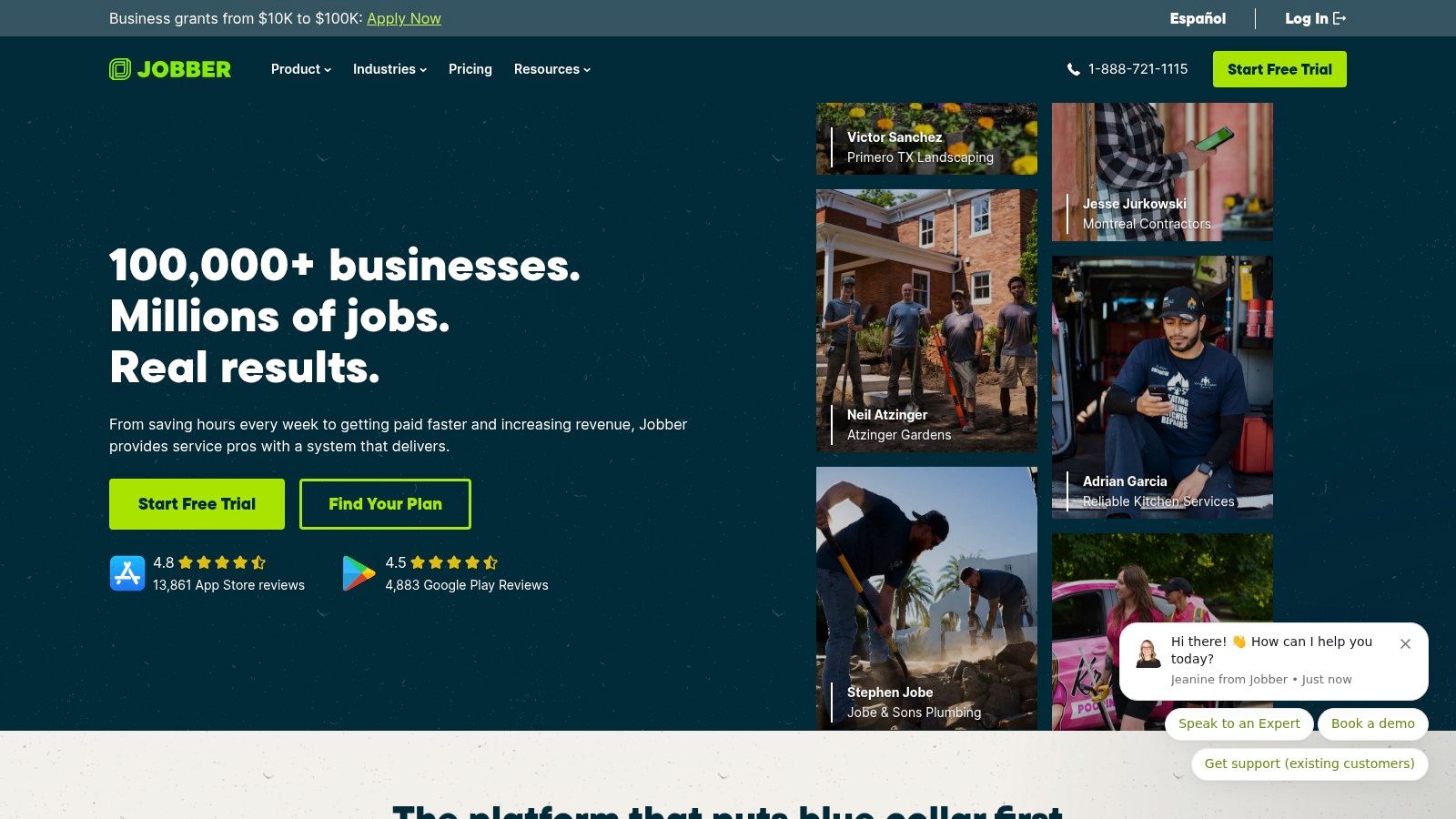
Some plumbing businesses don't just run on dispatch. They run on calls. If that sounds like your shop, Workiz deserves a close look.
Its big advantage is baked-in communication. Calls, texts, recordings, booking, scheduling, and payments live close together, so the office doesn't waste time bouncing between a phone system and job software.
Who should choose it
Workiz is strongest for dispatch-heavy operations where the phone is still the front door of the business. If your team books a lot of urgent work, manages several moving technicians, or needs tighter call visibility, that built-in communications layer matters.
It also helps solve one of the big gaps in the current software market: app overload. Existing guides often throw a pile of overlapping tools at plumbing owners, but they don't answer the more useful question of how to build a minimal stack that avoids duplicate functions across scheduling, dispatch, documentation, routing, and accounting, as discussed in this Housecall Pro roundup of plumbing apps.
That's why Workiz is worth considering if you want fewer moving parts.
- Native phone tools: Good for teams that rely on incoming calls and fast office response.
- Strong scheduling support: Useful for multi-day jobs and active dispatch boards.
- Good-better-best proposals: Helpful when techs need cleaner sales options in the field.
If your current phone process is chaotic, Workiz can remove a separate layer of software from the stack. That alone can justify the switch.
5. Simpro
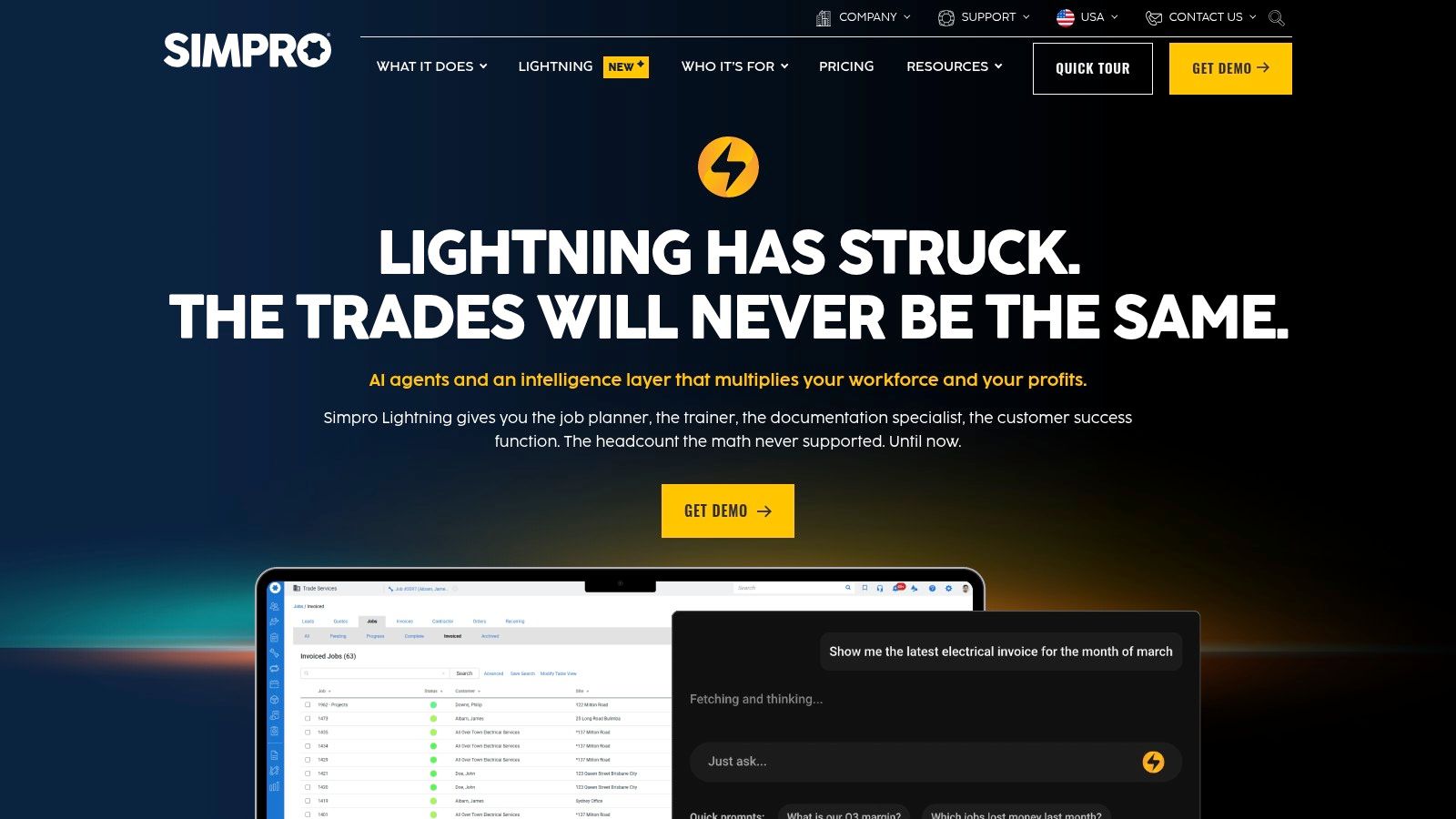
Simpro isn't trying to be the easiest app on this list. It's trying to be the right one for more complex plumbing businesses.
If you handle commercial work, staged projects, asset-heavy jobs, purchasing, and tighter cost control across materials and labor, Simpro is built for that world. It's much more process-driven than lightweight field apps.
Commercial plumbing strength
Simpro shines when jobs have more moving parts than a simple service call. Multi-stage work, inventory, purchasing, job costing, and multi-location control are where it starts to justify its weight.
For commercial plumbers, that depth matters. You need stronger visibility into materials, variations, asset records, and margins. A lighter residential app may look easier up front, but it can become a bottleneck fast.
Choose Simpro when your jobs have stages, approvals, purchasing steps, and material complexity. Don't choose it just because you think bigger software automatically means better software.
The downside is obvious. Smaller teams with straightforward service work can end up paying for complexity they don't need. But for contractors running larger commercial or construction-linked plumbing workflows, Simpro is one of the strongest fits available.
6. FieldEdge
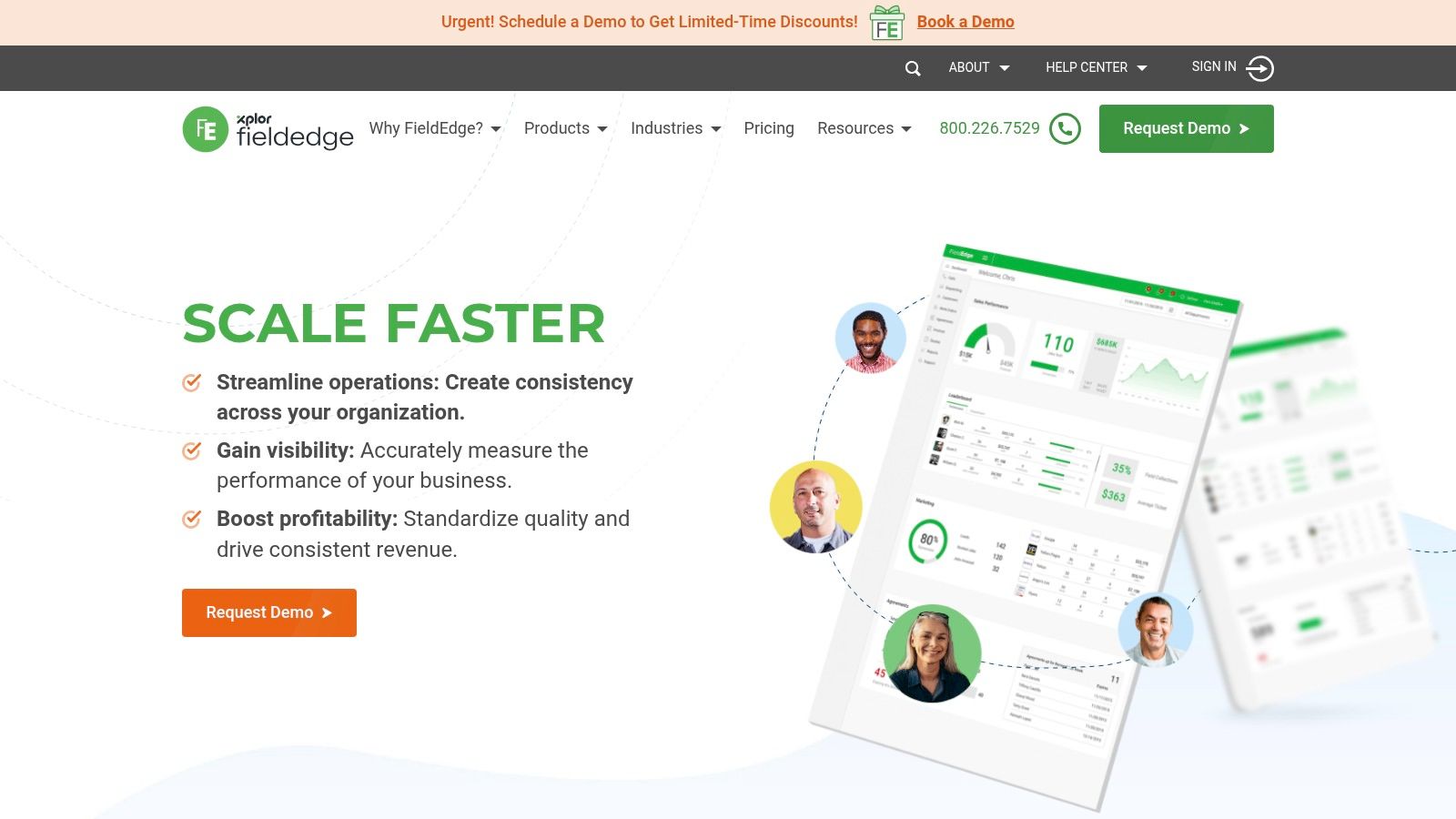
FieldEdge is a serious option if your business lives and dies by dispatch quality, proposal consistency, and pricebook discipline. A lot of plumbing owners don't have a software problem first. They have a pricing problem that software keeps exposing.
This platform is well known in the trades for pairing scheduling and dispatch with service agreements, proposals, and QuickBooks connectivity. That combination makes it useful for plumbing businesses that want better control over both operational flow and gross margin protection.
Why pricing discipline matters here
FieldEdge stands out because of its flat-rate pricing tools. If your techs are still pricing jobs inconsistently, giving different answers for the same repair, or relying too heavily on memory, this kind of system can clean that up.
It also helps if your office needs stronger command over the day. Dispatchers can move jobs, techs can work from mobile workflows, and proposals stay tied to the underlying pricing structure instead of becoming one-off guesses.
- Strong dispatch board: Good for high job volume and office coordination.
- Flat-rate support: Useful when you need more consistency in repair pricing.
- Trade-focused workflow: Built around service contractors, not generic CRM logic.
FieldEdge makes the most sense for plumbing businesses that already have volume and now need tighter operational control. If you're still very small, it may feel heavier than necessary.
7. Service Fusion
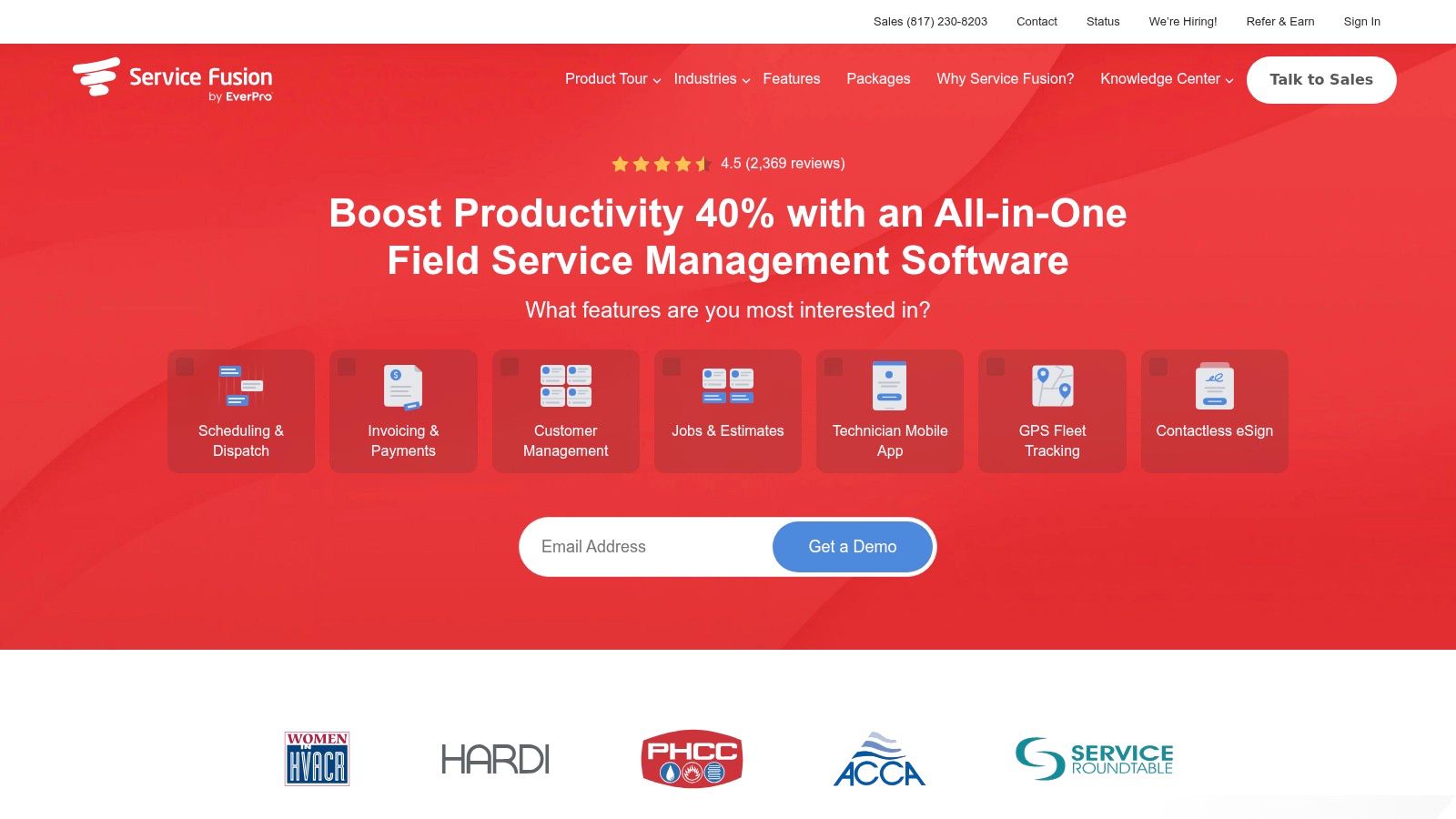
Service Fusion's biggest selling point is simple. Unlimited users on its plans can make budgeting easier for growing companies.
That matters if you're adding dispatchers, office staff, or technicians and don't want software costs jumping every time someone new needs access. For a plumbing business trying to standardize one system across the company, that pricing structure is attractive.
Best use case
Service Fusion is a good fit for small and growing plumbing businesses that want core field-service software with company-wide adoption, not software access rationing. You get scheduling, estimates, invoicing, voice and text messaging, customer portal options, and QuickBooks integrations in one package.
It also includes GPS fleet tracking, which is useful if you need stronger visibility over trucks and timing. That said, the broader ecosystem and polish aren't as deep as some bigger names here.
- Predictable team access: Easier to roll out across office and field staff.
- Integrated communications: Voice and texting stay inside the workflow.
- Practical growth option: Good for businesses moving off spreadsheets and patchwork tools.
If you need something dependable and broad without immediately stepping into enterprise software, Service Fusion deserves a spot on your shortlist.
8. ServiceM8
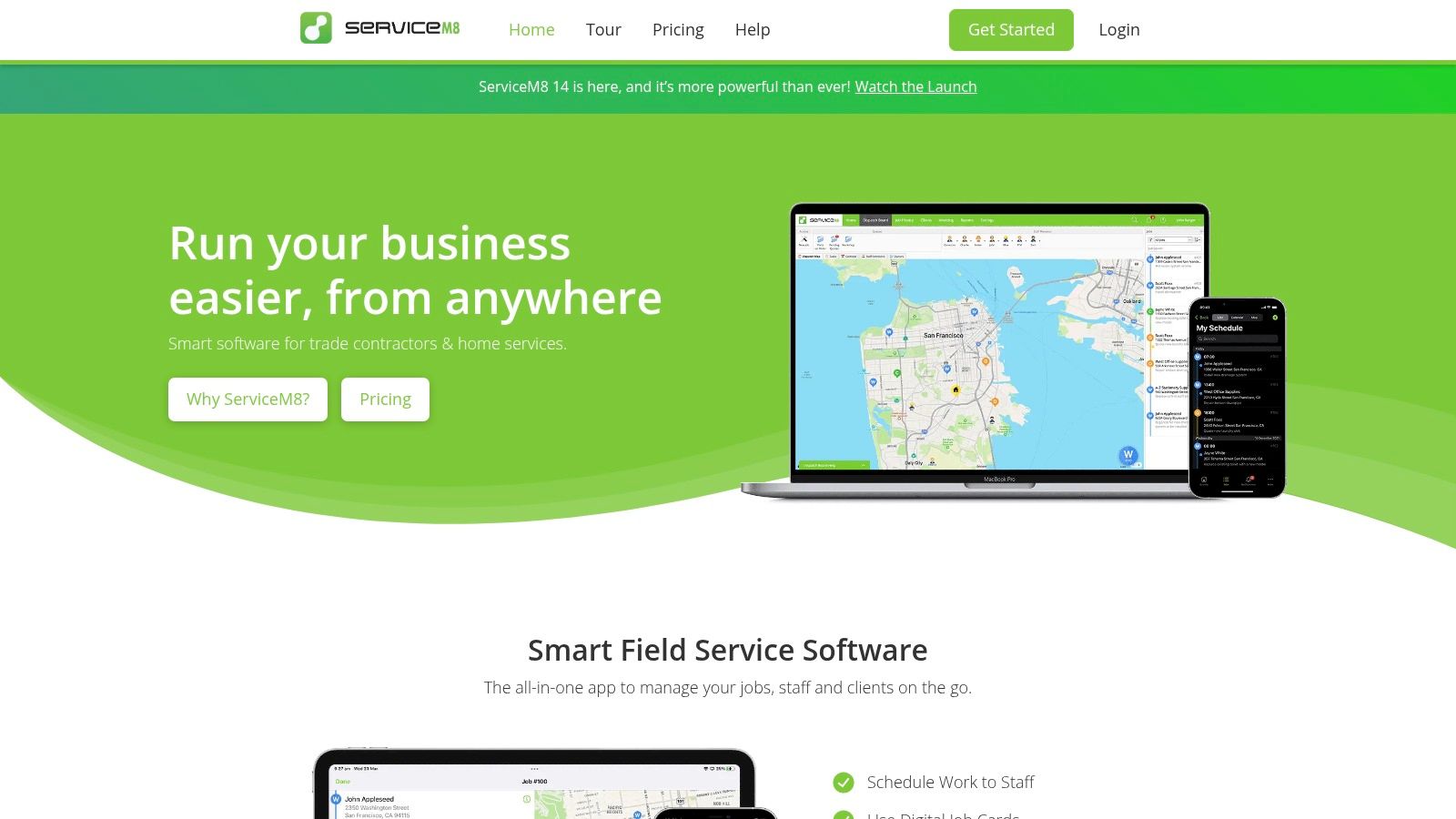
ServiceM8 is for plumbers who want less system and more action. It's fast, mobile-first, and especially suited to iPhone and iPad users who need quoting, scheduling, job cards, invoices, and payments without a bulky office setup.
If you're a solo operator or a very small crew, that's a real advantage. You don't need enterprise software to run a tidy operation.
Why small teams like it
ServiceM8 keeps the workflow light. A plumber can manage jobs from the phone, issue quotes on site, collect payment, and move on without dragging admin into the evening.
Its job-volume model also suits small operators who are still growing and don't want to overbuy software too early. The downside is just as clear. If your business is Android-heavy or moving into more complex dispatch and reporting, you may outgrow it.
Small teams should optimize for speed of use, not software prestige.
ServiceM8 is one of the best examples of that. It won't be the forever platform for every plumbing company, but for lean operators who want order without friction, it's hard to beat.
9. RazorSync
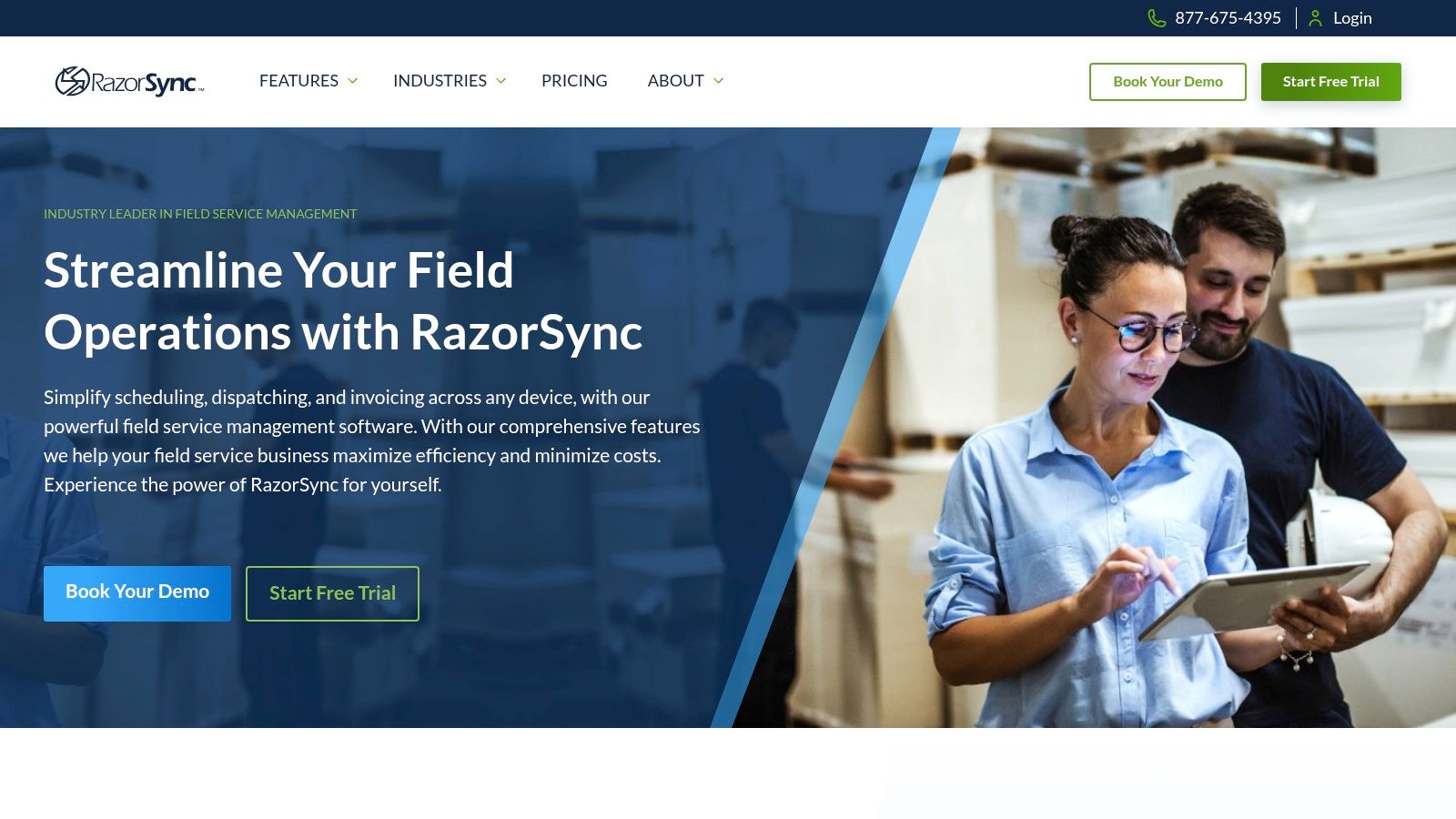
RazorSync is the practical choice for owners who care about two things most. Published pricing and a simpler jump away from manual systems.
Not every plumbing business needs a huge software rollout. Sometimes the better move is getting off spreadsheets, handwritten work orders, and scattered invoicing with the least disruption possible.
When simple is better
RazorSync covers the core jobs well: scheduling, dispatch, customer records, invoicing, payments, and mobile access. It also connects with QuickBooks Online and Desktop, which matters if your accounting process is already built around QuickBooks.
Its limitations are easy to understand. The interface isn't as polished as newer tools, and the ecosystem is narrower than larger platforms. But if your priority is stable core functionality and predictable cost structure, that trade-off may be perfectly fine.
A useful way to think about RazorSync is this:
- Good first serious system: Strong option when leaving paper and spreadsheets behind.
- Clear cost expectations: Easier to budget than quote-only enterprise tools.
- Enough core function for many teams: Especially if your workflows aren't highly specialized.
For smaller plumbing businesses that need control, not complexity, RazorSync still earns its place.
10. GrowTradie
Most lists of apps for plumbing business stop at operations. That's only half the job. You also need people in your area to remember your name, trust your brand, and contact you when they need a plumber.
That's where GrowTradie fits. It isn't trying to replace your scheduling or invoicing system. It fills the gap most field-service apps leave behind by handling steady local content creation and auto-posting for trade businesses.
Why it belongs in the stack
This is the key idea of the whole list: don't expect one app to do everything perfectly. Use one core operations platform, then add a specialized visibility tool where your main software is weak.
GrowTradie is built specifically for tradies who don't have time to write posts, design graphics, or keep social channels active between jobs. It uses AI to generate posts designed for your trade and local area, designs them professionally, and schedules them automatically.
That matters because there's a real gap in the market around visibility tools that help small local operators get actual enquiries, not just activity. Current software content heavily focuses on efficiency, while the practical question many plumbing owners really have is whether visibility tools generate booked work for smaller operators, as discussed in this CompanyCam review of plumbing software gaps.
GrowTradie is appealing because it stays focused.
- Trade-specific content creation: Posts are designed for your trade, services, and local area.
- Hands-off publishing: You don't need to plan, write, or manually post every week.
- Professional presentation: Consistent branded content helps your business look established and trustworthy.
- Built for enquiries: The aim is local visibility that leads to calls and booked jobs.
This is the app I'd add after your operations stack is under control. If your dispatch and invoicing are already handled by Jobber, Housecall Pro, ServiceTitan, Workiz, or another core platform, GrowTradie fills the next important gap. It helps keep your business visible without adding another time-hungry marketing job to your week.
For many plumbing owners, that's the right second app in the stack. Not more admin. Not more dashboards. Just a practical way to stay in front of local customers consistently.
Top 10 Plumbing Business Apps, Feature & Pricing Snapshot
| Product | Core features ✨ | UX & quality ★ | Pricing / Value 💰 | Best for 👥 |
|---|---|---|---|---|
| Jobber | Quoting, scheduling, invoicing, payments, app marketplace ✨Integrations (QBO/Xero) | ★★★★☆ Modern UX, strong onboarding | 💰 Tiered plans with user bundles; per-user fees may apply | 👥 Solo operators → multi‑truck teams |
| Housecall Pro | Online booking (Reserve w/ Google), estimates, invoicing, review mgmt ✨Marketing tools | ★★★★☆ Intuitive, fast to launch | 💰 Tiered; advanced tools on higher plans | 👥 Small–midsize teams focused on marketing |
| ServiceTitan | Pricebook, memberships, financing, analytics ✨Enterprise-grade workflows | ★★★★☆ Deep feature set, robust reporting | 💰 Quote-based; higher total cost | 👥 Large, scaling plumbing businesses |
| Workiz | Scheduling, online booking, estimates + Workiz Phone (calls/texts) ✨Native comms | ★★★★☆ Strong dispatch & communications | 💰 Tiered; phone minutes/SMS may add variable costs | 👥 Dispatch-heavy teams needing built-in phone |
| Simpro | Job & asset costing, inventory, purchasing, multi-stage jobs ✨Complex project support | ★★★☆☆ Powerful but steeper learning curve | 💰 Quote-based; higher TCO for complex ops | 👥 Commercial plumbers with complex projects |
| FieldEdge | Scheduling/dispatch, proposals, QuickBooks, flat-rate pricebook ✨Standardized pricing | ★★★★☆ Trade-focused modules | 💰 Pricing via demo/quote; enterprise features | 👥 Businesses wanting flat-rate pricing consistency |
| Service Fusion | Scheduling, unlimited users, voice/text, GPS tracking ✨Predictable company-wide pricing | ★★★☆☆ SMB-friendly, functional | 💰 Unlimited-user tiers keep per‑tech costs steady | 👥 Growing teams needing predictable pricing |
| ServiceM8 | iOS-first job cards, booking, invoices, automations ✨Apple-optimized mobile UX | ★★★★☆ Quick mobile workflow for small teams | 💰 Tiered by job volume; low entry cost | 👥 Solo plumbers & small iPhone/iPad teams |
| RazorSync | Scheduling/dispatch, QuickBooks sync, route optimization ✨Transparent published pricing | ★★★☆☆ Simple, budget-friendly | 💰 Clear published pricing; lower entry cost | 👥 Newer businesses on a budget |
| 🏆 GrowTradie | AI-generated trade & local social posts, auto-post scheduling, professional designs ✨Hands-off content tailored to tradies | ★★★★☆ Set‑and‑forget setup with guided support | 💰 Subscription (visit app for details); analytics coming soon | 👥 Time‑poor tradies who need steady local visibility |
From Chaos to Control Making Your Final Choice
It's 6:15 a.m. The phone is already ringing, one tech is waiting on the first address, another is asking for pricing approval, and the office is chasing yesterday's unpaid invoice. That is the moment your software choice starts to matter.
Choose your stack in the right order. Start with the app that runs the business day to day: scheduling, dispatch, quoting, invoicing, payments, and job communication. If that part is messy, adding more tools just gives you more places for mistakes to hide.
For smaller plumbing businesses, Jobber or Housecall Pro are usually the fastest path to order. For larger teams with tighter controls, more reporting needs, or more complex workflows, ServiceTitan, Simpro, or FieldEdge are better fits. Workiz stands out if calls and phone tracking sit at the center of your sales process. Service Fusion makes sense if you want predictable pricing across a growing team. ServiceM8 is a smart pick for small, Apple-heavy crews. RazorSync is still a practical choice if you're replacing paper, spreadsheets, or a patchwork of basic tools.
Keep your decision practical. The best core app is the one your office staff and field techs will use without fighting it every day. Test it on real work, not polished demos. Build a quote, add photos, update notes, collect a signature, and close an invoice from the truck. If your team slows down during that test, the app is wrong for your business.
A good buying rule is simple: centralize operations first. Guidance in this plumbing CRM buying guide points to the same standard. Your main platform should handle the full job cycle in one mobile system, not scatter it across disconnected tools.
Then fix the second problem. Visibility.
A lot of plumbing owners buy an operations app and assume growth will follow. It won't. Great dispatch software keeps jobs organized. It does not keep your business in front of local homeowners week after week. That gap is where a specialized marketing tool earns its place.
This is the stack I recommend. Pick one core field service app to run operations. Add GrowTradie as your marketing layer once the back office is under control. That gives you a clean setup: one system to run the work, one system to keep your business showing up online and bringing in future jobs.
Keep it tight. Don't pile on five overlapping tools because each one has one feature you like. Most plumbing businesses need a strong operations platform and one focused marketing tool. That combination saves time, cuts admin drag, and helps you win more work without turning software management into another full-time job.
If your operations app is already doing its job, add GrowTradie as the visibility layer. It handles content creation, design, and posting so your business stays active online while your team stays focused on booked work.