
Keeping your business visible online can feel like one more job added to the pile. You're already on site, pricing jobs, answering calls, and trying to keep customers happy, so posting content often gets pushed to the end of the day and then skipped. That's where ai content creation free becomes useful for tradies, not as a gimmick, but as a practical way to get captions, images, and rough post ideas moving fast without hiring a marketing team.
The catch is simple. Free tools help most with drafting, design, and repurposing, but they don't magically solve brand control, scheduling, or consistency across channels. Independent guidance still describes the free stack as a mix of writing, design, research, and editing tools, not one perfect end-to-end system, and that's exactly the gap trade businesses need to understand before they waste time chasing the wrong tool (free AI tools for content creation).
The market is moving for a reason. Generative AI adoption in content workflows climbed from 33% in 2023 to 71% in 2024, and content creation became the primary AI use case for 55% of marketers in a 2026 industry compilation (AI content creation statistics 2026). The broader market was estimated at USD 14.8 billion in 2024 and is projected to reach USD 80.12 billion by 2030, with a 32.5% CAGR from 2025 to 2030 (generative AI content creation market report). For tradies, that momentum matters because the tools are getting good enough to support steady posting without making content a full-time second job.
Table of Contents
- 1. ChatGPT OpenAI
- 2. Google Gemini Web App
- 3. Microsoft Copilot Consumer Free
- 4. Canva Free Plan With AI Tools
- 5. Adobe Express Free Plan With Firefly Powered AI
- 6. Grammarly Free Plan With Generative Prompts
- 7. Rytr Free Forever AI Writing Assistant
- 8. Simplified All In One AI Content And Design Suite Free Plan
- 9. Descript Free Plan For AI Assisted Audio Video
- 10. Buffer Free Plan With AI Assistant For Captions
- Top 10 Free AI Content Creation Tools, Quick Comparison
- When to Automate Moving Beyond Manual Creation
1. ChatGPT OpenAI
ChatGPT is still the cleanest starting point for tradies who need fast copy and don't want a learning curve. The free tier is useful, and independent roundups still place it among the most capable free tools for brainstorming, captions, rewrites, and rough outlines (free tools for content creation, free AI tools for content creation).
For trade businesses, speed is the primary benefit. Use it for a first draft of a Facebook caption, a service explainer, or a quote follow-up email, then rewrite the result so it sounds like a real person from your business. The free plan has usage limits, so it's best used as a drafting engine, not a place to park a whole month of content.
Prompt examples that work for tradies
A weak prompt gives you generic fluff. A strong prompt gives you usable material that sounds like a local business, not a marketing brochure.
Practical rule: Ask for one job, one audience, one action. For example, “Write three short Facebook captions for an electrician in Brisbane promoting switchboard upgrades, keep it plain, local, and trustworthy.”
A plumber can ask for before-and-after style captions without making false claims. A builder can ask for a short post about project updates, site progress, or choosing the right materials for wet weather. ChatGPT is best when you tell it exactly who you are, what you do, and what you want the customer to do next.
Good use cases
- Caption drafts: Quick social posts for completed jobs, new offers, or seasonal reminders.
- FAQ rewriting: Turn common customer questions into short, readable answers.
- Ad copy ideas: Generate several versions before you pick one to post.
- Outline generation: Build a simple monthly content plan around services and job types.
Where it falls down
- No built-in scheduling: You still have to copy content somewhere else.
- Can sound generic: If you don't guide it, it writes like everyone else.
- Needs human checking: Especially for job-specific claims and local details.
The biggest win is that ChatGPT helps you avoid the blank page. For a tradie, that's often the whole battle.
2. Google Gemini Web App
Google Gemini fits businesses that already live in Google Docs, Gmail, and Drive. It's useful for quick drafting, simple rewriting, and mobile-friendly content creation, especially if you want to work from a phone between jobs (free AI tools for content creation).
Gemini's strength is convenience. If your quoting notes, photos, and rough copy already sit in Google products, it can help you move from a loose idea to a draft without bouncing across apps. That's handy for builders, sparkies, and plumbers who work out of a phone more than a laptop.
Best use in a trade workflow
Use Gemini to draft a post from notes you've already got in Drive. If you just finished a bathroom renovation and have a few project photos, ask it for a short caption that explains the work in plain language, then adjust the tone so it matches your business.
A useful workflow is simple. Draft in Gemini, tighten the language yourself, then move the final version into your publishing tool.
It's also good for factual posts, provided you still check the content yourself. A local service business doesn't need clever copy as much as it needs clear, trustworthy wording that sounds grounded in actual work.
What it does well
- Fast mobile drafting: Handy when you're not near a desk.
- Google ecosystem fit: Good if your files already live in Docs or Drive.
- Simple post variations: Easy to ask for several caption options.
What to watch
- Usage caps on the free tier: You can hit limits if you lean on it daily.
- Less design control: It's not a replacement for a visual tool.
- Paid features are gated: The free version won't cover everything.
If your business already runs on Google tools, Gemini is a low-friction option. If you need polished graphics and consistent branding, you'll still need another layer on top.
3. Microsoft Copilot Consumer Free
Copilot works well for fast copy when you want a simple browser-based assistant and don't want to sign up for a separate content platform. It's free for consumers, can work without sign-in in some cases, and gets more useful when you're signed into a Microsoft account.
For tradies, the appeal is plain. You can use it for caption ideas, short service descriptions, and quick reply drafts without overthinking the setup. That makes it useful for office managers, subcontractors, or solo operators who just want something that works in the browser.
Where it earns its keep
Copilot is best for short, practical tasks. If you need three ways to word a post about roof repairs, it can give you options fast. If you need a polished month-long content system, it's not the right tool on its own.
Best fit tasks
- Reply drafting: Customer messages, follow-up notes, quick emails.
- Caption generation: Short social posts without much setup.
- Idea starters: Good for turning service work into post angles.
Trade-offs
- Feature set shifts: Microsoft keeps evolving the product.
- Paid tiers exist elsewhere: Advanced Microsoft 365 Copilot features are not free.
- No native publishing workflow: You still need a scheduler or social platform.
The practical use case is simple. Use Copilot to get a draft out of your head quickly, then move the final text into a scheduler or design tool. That matters for trades because most of the bottleneck is not writing a sentence, it's starting the post at all.
If you already use Microsoft apps on your phone or laptop, Copilot is a sensible backup tool. It won't replace a dedicated content system, but it can keep your workflow moving on a busy day.
4. Canva Free Plan With AI Tools
Canva is one of the best free options for tradies because it turns rough AI copy into something that looks finished. Its free plan, paired with AI tools like Magic Write, gives you a practical way to build post graphics, carousels, flyers, and simple branded visuals without design experience (free AI tools for content creation, best free generative AI tools for content creators).
Now, free AI content creation starts to feel practical for trades. You can write a caption in ChatGPT, paste it into Canva, add a job photo, resize it for different platforms, and publish a post that looks professional enough to build trust. That matters in trade businesses because presentation is part of credibility.
The best starting point is branded consistency. If your colours, logo, and fonts stay stable, customers recognise your posts faster. For a deeper guide on keeping that visual consistency, see this practical overview of branded content for tradies.
Why Canva matters for trade businesses
A lot of free AI tools stop at words. Canva gives you the visual layer that makes the words useful.
Practical rule: Don't use Canva to invent the message. Use it to present the message clearly with one strong photo, one short headline, and one call to action.
What works
- Before and after layouts: Great for showcasing completed work.
- Service reminders: Useful for maintenance season or booking windows.
- Quick carousels: Turn one job into several slides.
- Platform resizing: Save time by adjusting the same design for multiple channels.
What doesn't
- AI limits on the free plan: You won't get unlimited usage.
- Advanced assets require payment: Not every template or AI feature is free.
- Design still needs judgment: Bad photos and cluttered layouts still look bad.
Canva is not just a design tool. For a trade business, it's the bridge between a rough caption and a post customers are willing to trust.
5. Adobe Express Free Plan With Firefly Powered AI
Adobe Express is a strong choice if you want polished visuals with a more structured feel than a basic template app. Its free plan uses Firefly-powered AI features, which makes it useful for quick graphics, flyers, short clips, and generated image edits without needing a full design team.
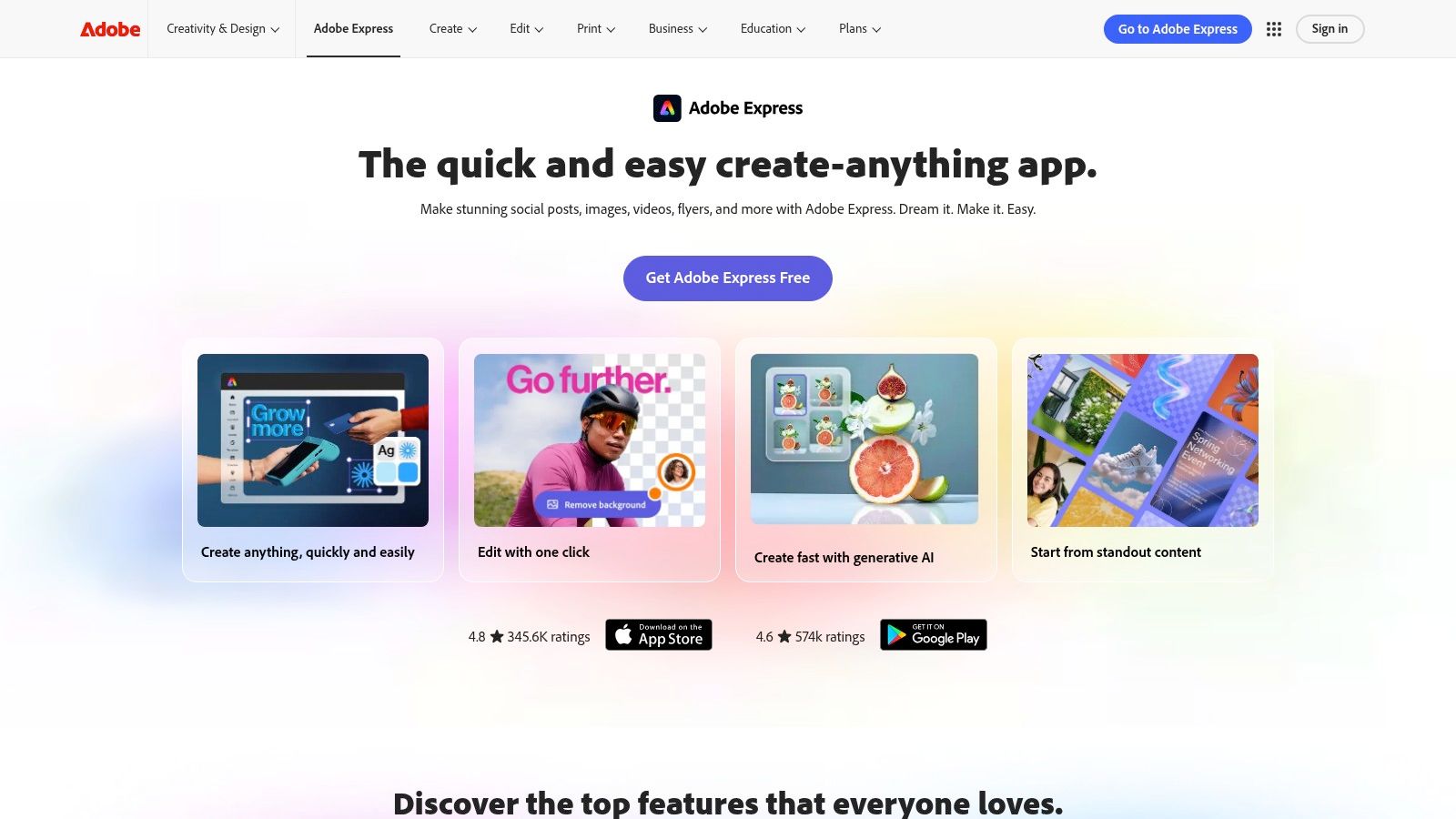
Adobe Express works well for trade businesses that want to look more polished than a plain social post template allows. It's especially handy for service promos, event flyers, and quick visual announcements where the design matters almost as much as the message.
Where it fits better than Canva
Canva is usually easier for beginners. Adobe Express has a more Adobe-like feel, which some users prefer once they're comfortable with basic design work. If you already use Adobe products, the handoff can feel smoother.
Good fit
- Flyers and promo graphics: Ideal for simple, branded announcements.
- Short video edits: Good for turning job clips into short social content.
- Text effects and AI edits: Useful when you want a more stylised look.
Trade-offs
- Generative credits are limited: Free users won't get endless AI output.
- Some features sit behind paid plans: The free tier won't cover everything.
- Learning curve is higher than the simplest tools: Not hard, but not the quickest.
For a builder posting a project highlight or an electrician promoting emergency callouts, Adobe Express gives a clean finish without much technical fuss. It's less about bulk content and more about creating one good-looking post that feels credible.
If your business needs a sharper visual style and you don't mind a little extra setup, Adobe Express is a strong free option. It won't replace a publishing tool, but it will make the content look like it came from a real business, not a rushed template.
6. Grammarly Free Plan With Generative Prompts
Grammarly is not a content machine. It's the tool that saves you from posting something clunky, repetitive, or hard to read. Its free plan includes limited generative prompts plus grammar and clarity checks, so it works well as the final polish layer after you draft elsewhere (free tools for content creation, best tools for free AI content creation).
For trade businesses, that matters more than it sounds. Customers trust clear writing. If your caption is sloppy or awkward, the post feels less credible, even if the job itself is solid.
Use it after the draft, not before
Write the draft in ChatGPT, Gemini, or Copilot, then run it through Grammarly to clean up tone, grammar, and sentence flow. That keeps the voice human while still catching obvious mistakes.
Practical rule: Use Grammarly to remove friction, not personality. If your message sounds too polished, it can lose the straight-talking feel that local customers trust.
Best uses
- Email replies: Quote follow-ups and booking confirmations.
- Caption cleanup: Short posts that need a more natural rhythm.
- Website snippets: Service blurbs, FAQ answers, and intro text.
- Cross-site editing: Browser support makes it easy to use in different places.
Limits
- Prompt credits reset monthly: You won't get unlimited drafting help.
- Deep brand control is paid: The free plan handles the basics.
- It's better at polish than originality: Don't expect fresh ideas from it.
Grammarly is worth keeping in the stack because it catches the errors that make a small business look careless. It's the simplest free way to make AI drafts read more like something a real tradie would post.
7. Rytr Free Forever AI Writing Assistant
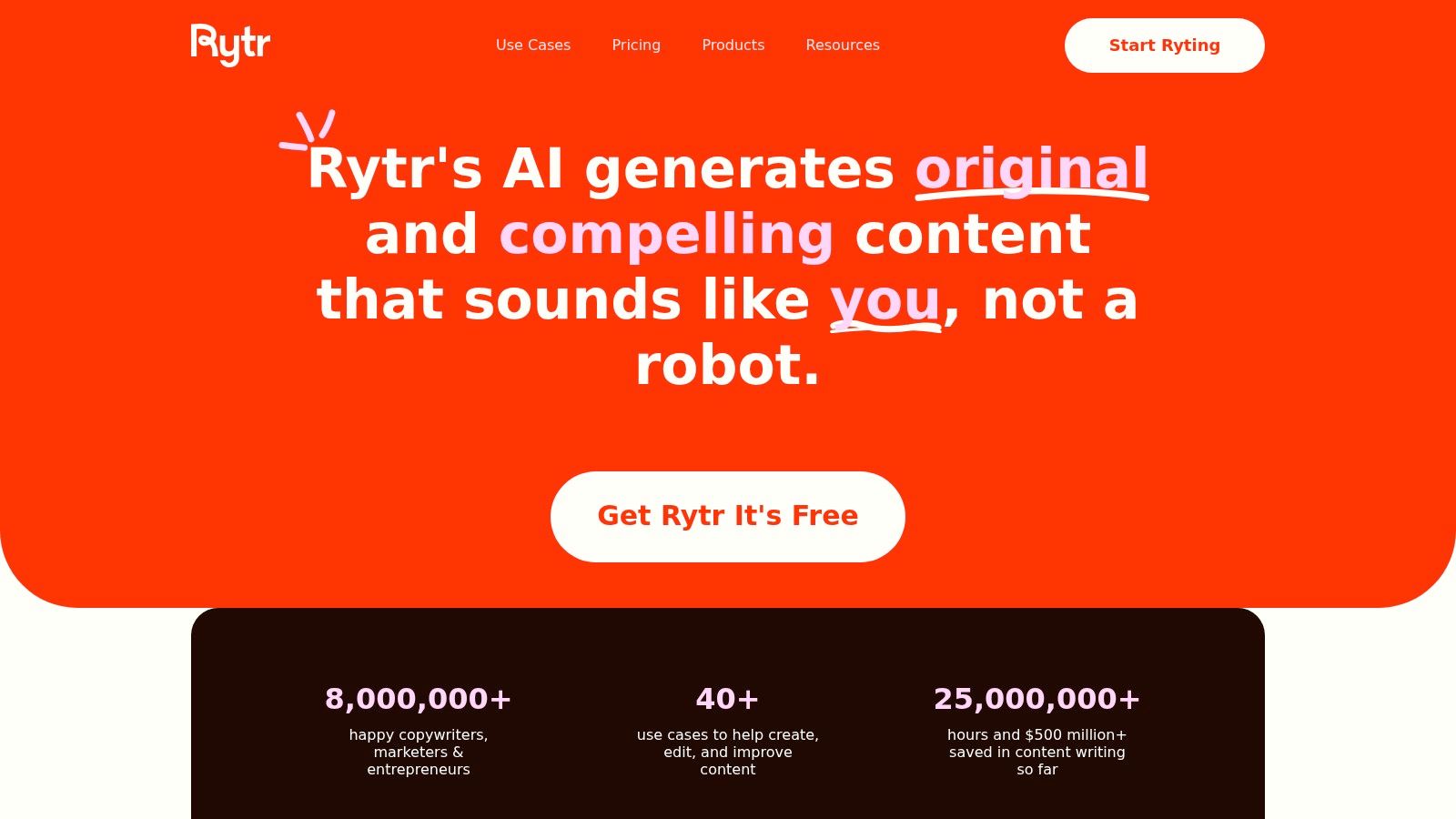
Rytr is built for speed and simplicity. It's a lightweight AI writer with a free-forever plan, which makes it useful when you want quick captions, service explainers, and short ad copy without juggling a bigger platform.
The appeal is obvious for solo operators. You open it, choose a use case, type a prompt, and get a draft back fast. That makes it handy when you just need words on the page and don't want to spend half an hour setting up the task.
Good for short jobs, not heavy lifting
Rytr's value is in small, repeatable tasks. If you're posting a quick update about a completed job, a maintenance reminder, or a simple service intro, it can save time. If you need deeper brand voice control or more polished long-form writing, bigger tools usually do better.
Useful for
- Short captions: Fast social copy without much friction.
- Ad variations: Handy for testing different angles.
- Service blurbs: Clear, basic explanations of what you do.
- Draft expansion: Turn a note into a fuller post.
Where it's weaker
- Simpler controls: Less depth than larger assistants.
- Less refined output: Often needs editing to sound natural.
- Not built for full workflow management: You'll still need separate tools for design and scheduling.
Rytr makes sense if you want a no-cost writing assistant and don't mind keeping the output simple. For tradies, that's often enough. A short, useful post beats a perfect draft that never gets published.
8. Simplified All In One AI Content And Design Suite Free Plan
Simplified is useful because it pulls writing, design, and basic scheduling into one place. That makes it attractive for solo tradies or small crews who want less app-hopping and more actual publishing.
It's not the deepest tool in any one area, but that's not the point. The point is to get from idea to post without rebuilding the workflow from scratch every time.
For a small trade business, that can matter more than flashy features. If one person handles content between jobs, a simpler all-in-one setup keeps things moving.
Best for one-person or small-team workflows
Simplified works when you need to create a caption, make a graphic, and push it toward publishing from the same platform. That saves time, especially if your team doesn't have a dedicated marketing person.
Practical rule: Use all-in-one tools when your bottleneck is switching apps, not writing quality. If the writing is still weak, a bigger system won't fix it.
Why it helps
- Copy and design in one place: Fewer tools to learn.
- Basic scheduling support: Useful for maintaining a posting rhythm.
- Good for quick repurposing: Turn one idea into multiple formats.
What to expect
- Usage caps on the free plan: You'll hit limits eventually.
- Smaller library than larger design tools: Fewer options than bigger platforms.
- Less depth than specialised tools: It's convenient, not elite.
For trade businesses, Simplified is best when the goal is consistency rather than advanced production. It's a practical option for posting simple service updates, job photos, and promotion graphics without building a complicated workflow.
For a broader content structure that fits small business realities, this guide to small business content strategy for tradies is a useful next step.
9. Descript Free Plan For AI Assisted Audio Video
Descript is the best free-style tool here if you want to turn rough phone footage into something usable. It lets you edit video and audio like a document, which is a big advantage when you've recorded a job update, a quick testimonial, or a behind-the-scenes clip and need it cleaned up fast.
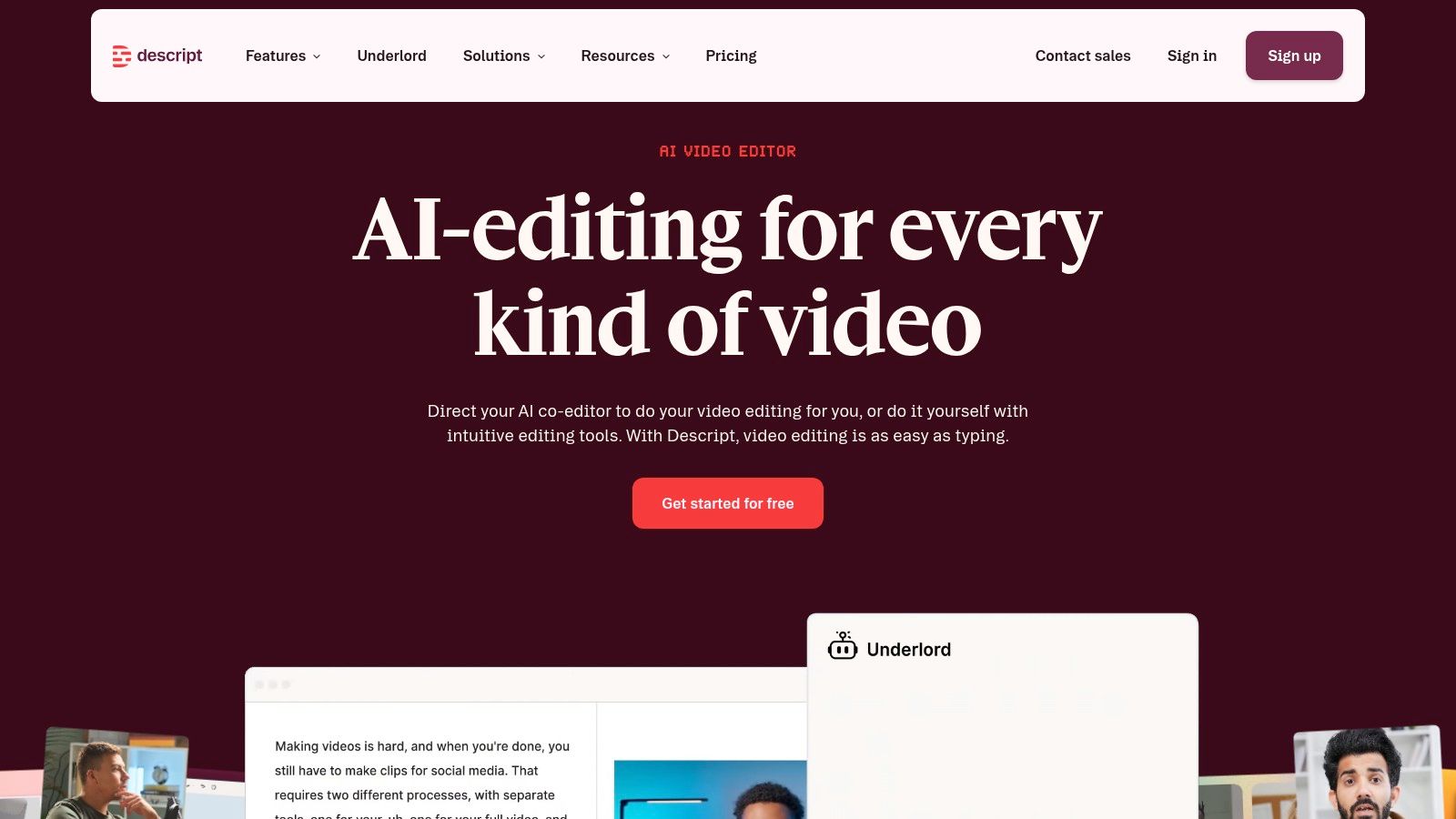
Free AI content creation extends beyond captions. Descript can help you make short video posts that feel real, which is useful for tradies because customers trust seeing the work more than reading about it.
Turn raw footage into social clips
A builder can record a 30-second site update. A plumber can record a short explanation of a common issue. A sparkie can show a simple upgrade and explain why it matters. Descript helps clean up the audio, cut filler, and export the result in a format that works on social platforms.
What it does well
- Transcript-based editing: Easier than scrubbing through a timeline.
- Filler cleanup: Makes rough speech easier to watch.
- Short clip export: Good for social-ready video formats.
- AI voice and effects: Useful in specific cases, with limits on the free plan.
Trade-offs
- Media limits and AI credits: The free plan won't handle unlimited content.
- Some learning curve: It's easy enough, but not instant.
- Best for spoken content: Less useful if you only post graphics.
Descript is a strong choice if your business already has phone footage but never turns it into posts. It saves the work of making every clip perfect, which is exactly the kind of practical help tradies need.
10. Buffer Free Plan With AI Assistant For Captions
Buffer is the tool that turns content from a one-off task into a posting routine. Its free plan supports a small number of channels, and the built-in AI assistant helps draft and repurpose captions right inside the publishing workflow (free AI tools for content creation, social media marketing for contractors).
For trade businesses, that scheduling layer matters. The problem usually isn't one good caption. It's staying active every week without spending an hour each time you post. Buffer helps bridge that gap by combining drafting and publishing in one place.
Why scheduling changes the game
A lot of tradies can write a decent post. The issue is remembering to post it, then doing that again next week. Buffer keeps the rhythm steady.
Practical rule: Build a small queue of simple posts, job photos, service reminders, and team updates, then let the scheduler do the repetitive work.
Useful because
- Caption help is integrated: Less copying between tools.
- Queue and calendar view: Easier to stay consistent.
- Basic analytics: Enough to spot what gets attention.
- Multi-platform publishing: Helpful if you post in more than one place.
Limitations
- Free plan caps profiles and usage: It's a starter system, not a full one.
- Advanced analytics are paid: Don't expect deep reporting for free.
- Not a design tool: You still need visuals elsewhere.
Buffer is one of the most practical free tools for trades because it addresses a common hurdle: timely publication. If you already have captions and images, it gives you a simple way to keep your business visible without rebuilding the process every week.
Top 10 Free AI Content Creation Tools, Quick Comparison
| Tool | Core features ✨ | UX/Quality ★ | Value/Price 💰 | Target audience 👥 | Standout 🏆 |
|---|---|---|---|---|---|
| ChatGPT (OpenAI) | Drafting, rewrites, summaries, quick ideation ✨ | ★★★★☆ fast, versatile | 💰 Free tier (usage caps) | 👥 Solo tradies needing quick copy | 🏆 Excellent for brainstorming & tone shifts |
| Google Gemini (Web/App) | Text + basic image gen; Docs/Drive integration ✨ | ★★★☆☆ factual, mobile-friendly | 💰 Free (US) / paid models | 👥 Users in Google ecosystem | 🏆 Strong web-search grounding |
| Microsoft Copilot (consumer) | Drafting, image gen, chat via Bing/apps ✨ | ★★★☆☆ handy for quick captions | 💰 Free consumer; paid for advanced | 👥 Casual users & Microsoft customers | 🏆 Works without sign-in; better with account |
| Canva (Free plan) | Magic Write copy + templates & resizing ✨ | ★★★★☆ polished visuals, easy | 💰 Free w/ caps; paid assets/plans | 👥 Trades wanting branded graphics | 🏆 Rapid on-brand visuals & multi-size exports |
| Adobe Express (Free) | Templates, Firefly image/text, short videos ✨ | ★★★★☆ professional, template-rich | 💰 Free credits; subscription for more | 👥 Trades needing polished, commercial-safe assets | 🏆 Commercially safe generative outputs |
| Grammarly (Free) | Grammar, clarity, generative prompts ✨ | ★★★★☆ strong polish & tone tools | 💰 Free plan w/ monthly prompts | 👥 Anyone polishing copy across sites | 🏆 Best for readability & cross-site use |
| Rytr (Free-forever) | Lightweight writer: tones, templates, rewrites ✨ | ★★★☆☆ simple & fast | 💰 Free-forever basic plan | 👥 Budget-conscious tradies | 🏆 Quick first drafts at low cost |
| Simplified (Free) | AI copy + design + basic scheduler ✨ | ★★★★☆ smooth end-to-end workflow | 💰 Free plan; usage caps | 👥 Solo tradies who want all-in-one | 🏆 Ideation → design → publish in one app |
| Descript (Free) | Text-based audio/video edit, transcribe, overdub ✨ | ★★★★☆ great for social clips | 💰 Free credits; paid minutes | 👥 Trades turning recordings into posts | 🏆 Turn phone recordings into polished videos |
| Buffer (Free) | Scheduling + AI caption ideation; calendar ✨ | ★★★☆☆ reliable scheduling workflow | 💰 Free plan (limited profiles) | 👥 Trades needing consistent posting | 🏆 Integrated AI inside publishing workflow |
When to Automate Moving Beyond Manual Creation
Free tools are a good way to test what AI can do for your business. They help you draft captions, make visuals, clean up text, and even publish a few posts without paying monthly fees. But they still leave you doing the work that eats time, writing prompts, editing drafts, designing graphics, and scheduling posts one by one.
That's the point where free starts to feel expensive in a different way. If you're spending nights and weekends piecing content together, the issue isn't whether the tools are useful. The issue is that your business needs a system, not another app.
The case for a dedicated platform is strongest when consistency matters more than experimentation. Trade businesses need steady visibility, local relevance, and a style that looks trustworthy every time. A tool built specifically for tradies can generate content specific to your services and area, then automatically post it so your profiles keep moving while you're on site.
This also lines up with the bigger shift in the market. AI content drafting is already mainstream in marketing workflows, with 87% of marketers using generative AI in at least one workflow in 2026, and AI content drafting reported to deliver 3.2x ROI on average (AI marketing statistics 2026 adoption data points). That doesn't mean every business needs a paid platform tomorrow, but it does show why the old manual process is getting harder to justify.
For a tradie, the key question is simple. Do you want to keep dabbling with free tools, or do you want a posting system that runs without taking you off the tools? If you're ready for the second option, set up GrowTradie and turn content from a weekly chore into a steady part of how your business gets seen and wins more jobs.